Solid ExplorerFile management reference
Independent documentation hub

Two panes, every storage, one clear view of your files

Solid Explorer documents how a modern dual-pane Android file manager actually works: side-by-side browsing, cloud connectors for Dropbox, Google Drive and OneDrive, network shares over SMB and FTP, archive handling for ZIP, 7Z, RAR and TAR, and AES-encrypted local vaults. Reference material only — nothing is sold, installed or collected on this site.

2Independent panes
7+Remote protocols
4Archive families
AES-256Vault cipher
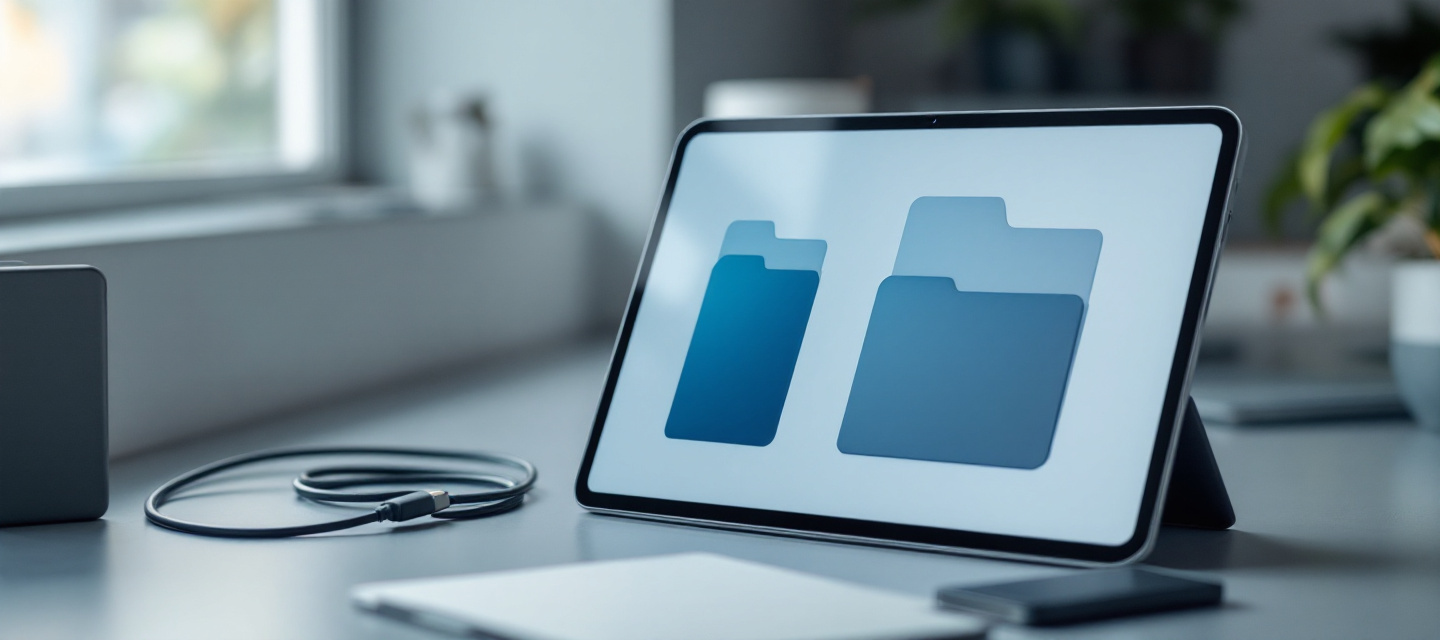
Android tablet on a slate desk showing two file browser panes side by side
Core capabilities

What a power-user file manager is expected to do

Six capability areas, described the way they behave on a real device — including the limits imposed by Android's storage model.

Dual-pane browsing

Two independent file lists share one screen: side by side in landscape, stacked or swipeable in portrait. Each pane keeps its own history, sort order and view mode, so source and destination stay visible during a move.

Landscape splitDrag & drop

Cloud storage connectors

Dropbox, Google Drive, OneDrive, Box and Mega style accounts are mounted as ordinary folders through their official APIs and OAuth consent screens — no password is ever typed into the file browser itself.

  • Token-based authorisation, revocable at the provider
  • Streaming preview without a full download
  • Cloud-to-cloud copy in a single queue

Network & local storage

Internal storage, removable SD cards, USB OTG drives, SMB/CIFS shares, FTP, FTPS, SFTP and WebDAV endpoints all appear in the same navigation drawer with consistent gestures.

SMBSFTPWebDAVUSB OTG

Archive toolkit

Browse an archive like a folder, extract a single entry, or build a new container without leaving the pane. ZIP and 7Z support creation and password protection; RAR and TAR-based formats are read and extracted.

  • ZIP, 7Z — create, extract, password
  • RAR, TAR, GZ, BZ2, XZ — extract
  • Nested archives opened in place

Root explorer

On a rooted device the browser can mount system paths such as /data and /system read-write, expose ownership and permission bits, and edit them safely. On stock devices these areas stay untouched and hidden.

chmod viewSymlink aware

Encrypted vault

Selected files can be wrapped in an AES-256 container that is decrypted only in memory, with an optional biometric unlock. Keys stay on the device; the vault never travels to a remote service unless you copy it yourself.

AES-256Local keys
How it works

A four-step transfer, from mount to lock

The same sequence covers moving holiday photos to a NAS, pulling a build log off a rooted phone, or archiving a project folder into cloud storage.

Mount the storage

Add local volumes, an SD card, a USB OTG stick, an SMB share or a cloud account. Each mount becomes a named entry in the drawer, remembered between sessions.

Pair the panes

Open the source in the left pane and the destination in the right. Rotate to landscape for a true split view; in portrait, swipe between the two lists while the selection persists.

Select, queue, transform

Multi-select with a long press, then copy, move, compress, extract or batch-rename. Operations join a single background queue with per-item progress and conflict prompts.

Verify and secure

Check sizes and checksums after the queue drains, then move anything sensitive into the AES vault and revoke cloud tokens you no longer need.

Cloud, without lock-in

Your clouds, treated like folders

A file manager that speaks provider APIs turns Dropbox, Google Drive and OneDrive into destinations you can drag into. That convenience deserves a security posture: least-privilege scopes, tokens stored in the platform keystore, and a clear way to disconnect.

  • OAuth consent handled by the provider, never by a third-party page
  • Transfers move device ↔ provider, with no intermediate relay server
  • Connections revocable at any time from the provider's security settings
  • Cached thumbnails and metadata cleared with a single cache reset
Cool blue-lit server racks in a modern data centre corridor
Cloud connectors talk directly to provider infrastructure; the browser only holds a revocable access token.
Comparison

Single-pane habits vs. a dual-pane workflow

A neutral look at how everyday tasks change when both sides of a transfer are on screen at once.

TaskTypical single-pane browserDual-pane approachPractical gain
Move 200 photos to an SD cardSelect, cut, navigate away, paste, re-navigate backDrag the selection from left pane to rightFewer navigation steps, no lost context
Compare two foldersSwitch tabs and rely on memoryBoth trees visible with matching sort orderDuplicates spotted immediately
Cloud to cloud copyDownload locally, then upload againQueue a direct provider-to-provider transferLess local storage churn
Extract one file from an archiveUnpack the whole container firstOpen the archive as a folder, pull a single entrySaves time and free space
Edit a system file (rooted)Usually unsupportedRoot mount with permission and owner displayTransparent, reversible changes
Protect sensitive documentsHidden folder naming tricksAES-256 vault with biometric unlockReal cryptography, local keys
Storage Access FrameworkScoped access for shared volumes on modern Android releases
Background queueCopy, move and compress jobs survive screen changes
Material themingLight, dark and accent variants for long browsing sessions
Media indexingThumbnails and previews generated on device only
Key facts & glossary

The vocabulary of Android storage

Terms that appear across permission dialogs, release notes and support threads — defined without marketing spin.

SAF
Storage Access Framework: the Android system picker that grants an app scoped access to a chosen folder or document instead of the whole disk.
Scoped storage
The model introduced in Android 10 that limits an app to its own directories plus media it is explicitly allowed to read.
SMB / CIFS
The file-sharing protocol used by Windows PCs and most NAS boxes; mounted with a hostname, share name and credentials.
SFTP
File transfer tunnelled inside an SSH session — encrypted end to end, unlike classic FTP which sends credentials in the clear.
WebDAV
An HTTP extension that exposes a remote directory tree; common on self-hosted drives and university servers.
USB OTG
On-The-Go host mode, letting a phone read a flash drive or card reader plugged into its USB port.
AES-256
A symmetric block cipher with a 256-bit key, used here to encrypt vault contents at rest on the device.
Checksum
A hash such as MD5 or SHA-256 computed over a file's bytes to confirm a copy is identical to its source.
Root explorer
A browsing mode that uses superuser privileges to reach system partitions; available only on devices the owner has rooted.
OAuth token
A revocable credential issued by a cloud provider so an app can act on your behalf without storing your password.
FAQ

Frequently asked questions

Short answers on scope, security and device requirements.

Does Solid Explorer sell software or take payments?

No. solidexplorer.best is an informational and educational reference. There is no checkout, no subscription, no licence key and no download store on this site. Everything here explains how dual-pane file management, cloud connectors and encryption behave in practice.

Do I need a rooted device to use a dual-pane file manager?

No. Dual-pane browsing, cloud accounts, network shares and archive handling all work on a completely stock Android device. Root access only unlocks the additional system-level mount described in the root explorer section, and it is optional.

Where are cloud credentials kept?

Modern connectors use OAuth: the provider shows its own sign-in page and returns a token. That token is stored in the platform keystore on the device and can be invalidated at any moment from the provider's account security page. Passwords are never held by the file browser.

Which archive formats can be created rather than just opened?

ZIP and 7Z are typically both readable and writable, including password-protected containers. RAR, TAR, GZ, BZ2 and XZ are generally read-and-extract only, because their creation is either proprietary or rarely needed on mobile.

Is the encrypted vault synchronised to the cloud?

Only if you copy the container yourself. The vault is a local AES-256 encrypted file; the key material stays on the device. If you move the container to a cloud folder, it travels already encrypted, and it can only be opened again with the correct passphrase.

Does this website collect personal data?

There are no forms, logins or trackers built for lead capture on this site. A minimal cookie set supports anonymous analytics and interface preferences, as described in the Cookie Notice and the Privacy Policy.

How do I reach the team behind this reference?

Write to support@solidexplorer.best, call +1 (555) 492-8104, or use the details on the contact page. Postal mail reaches us at 789 Data Parkway, Suite 400, Austin, TX 78701, USA.

Keep reading

Organise once, find everything later

Browse the capability notes, the transfer workflow and the storage glossary to build a filing habit that survives new phones, new SD cards and new cloud accounts. Reference material only — free to read, nothing to buy.